We Owned Office 2024. Then Microsoft Pulled the Rug.
We Bought Office 2024. Then They Changed the Rules.
Our team used Microsoft Office 2024 — the last "buy once" version. We paid our money, we got our apps, and we were happy. Then Microsoft made it clear: the future is Microsoft 365. Subscriptions. Every year. Forever.
Office 2024 still works, but it is being left behind. No AI features. No cloud integration. No co-pilot. The message from Microsoft is simple: pay monthly or get left in the past.
And we get it — from Microsoft's perspective, subscriptions make great business sense. Predictable revenue. Constant upsells. A customer who can never truly leave.
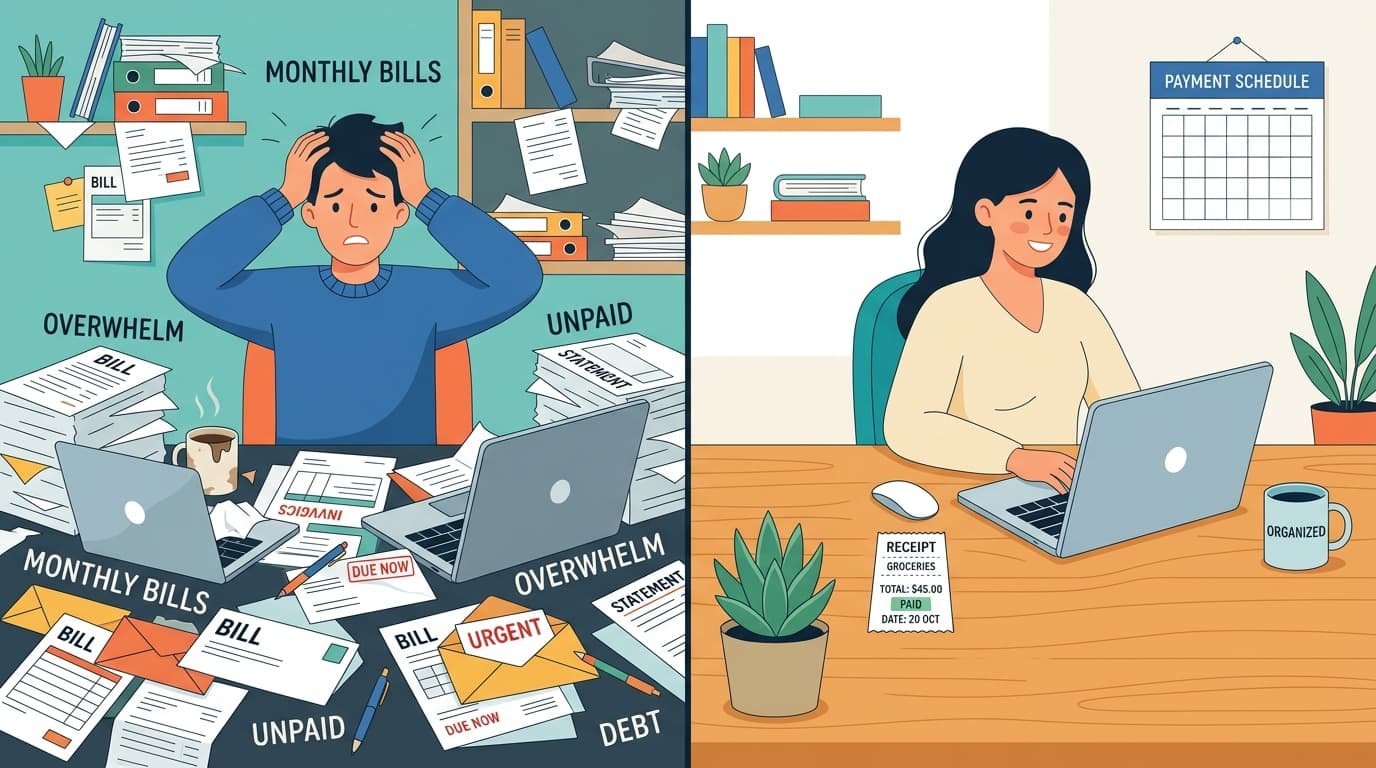
But from the customer's perspective? Subscriptions are exhausting.
The Subscription Fatigue Is Real
Think about what you pay every month. Netflix. Spotify. Adobe. iCloud. Your phone plan. Car insurance. Internet. Now add $9.99 a month for Office — or $99.99 a year if you pay upfront.
None of these individually break the bank. But together? The average American now spends over $200 a month on subscriptions. That is $2,400 a year on things you never actually own.
And here is the part that really stings: the software you are renting today is not fundamentally different from the software you could have bought outright ten years ago. Word still processes words. Excel still calculates. PowerPoint still makes slides. The core functionality has not changed — but the business model has.
Subscriptions do not exist because software got more expensive to make. They exist because they are more profitable to sell.
We Built What We Wished Existed
That is why we built Steward Pro Office. Not because we thought we could out-feature Microsoft — but because we thought someone should offer a real alternative for the millions of people who just want to buy software and use it.
Five apps. One price. Yours forever.
| App | What It Does | Competes With |
|---|---|---|
| Steward Notes | Note-taking & knowledge base | OneNote, Notion |
| Steward ProWrite | Full word processor with DOCX + PDF export | Microsoft Word |
| Steward Gridworks | Spreadsheet with 100+ formulas, pivot tables, charts | Excel |
| Steward ProSlides | Presentation builder with 8 themes, PPTX export | PowerPoint |
| Steward ProPDF | Invoices, proposals, contracts with templates | No direct MS equivalent |
Every app runs on Windows, macOS, and Linux. Every file lives on your machine. No cloud required. No internet required after activation.
The 5-Year Math Does Not Lie
| Solution | Year 1 | Year 2 | Year 3 | Year 4 | Year 5 | Total |
|---|---|---|---|---|---|---|
| Microsoft 365 Personal | $99.99 | $99.99 | $99.99 | $99.99 | $99.99 | $499.95 |
| Google Workspace | $72.00 | $72.00 | $72.00 | $72.00 | $72.00 | $360.00 |
| Steward Pro Office Suite | $249 | $0 | $0 | $0 | $0 | $249.00 |
That is $250 saved compared to Microsoft and $111 saved compared to Google — per person, over five years. For a family of four, that is $1,000 back in your pocket. For a 10-person business, the savings are dramatic: $4,999 for Microsoft vs. $899 for Steward Pro (10-seat license).
How Our Updates Work
When you buy Steward Pro Office, you get 12 months of free updates included. Every bug fix, every new feature, every improvement we ship in that first year — yours, automatically.
After 12 months, your software keeps working perfectly. Nothing stops. Nothing expires. You just will not get new features released after your update window closes.
If we release something you want — a major new feature, a redesigned interface, new AI capabilities — you can purchase another 12 months of updates for a one-time fee of $4.99 (consumer) or $9.99 (business). Not a subscription. Not a recurring charge. Just a one-time payment that opens up another full year of updates.
And if you decide you do not need the latest features? Your software keeps running exactly as it did the day you bought it. No degradation. No lockouts. No "your version is no longer supported" warnings.
That is how software updates should work.
Try It Before You Buy It
We know switching office suites is a big decision. That is why every app includes a free 7-day trial with full functionality. No credit card. No sign-up. Just download, open, and start working.
After the trial, your files are always accessible — even in read-only mode. We will never hold your data hostage. That is a promise most software companies cannot make, because locking you out is how they force you to pay.
We would rather earn your money by building something worth buying.
Where We Stand Honestly
We are not going to pretend we are Microsoft. They have decades of enterprise features, real-time collaboration for large teams, mobile apps on every platform, and an ecosystem that includes email, chat, and cloud storage.
But here is what we have learned: most people do not use most of those features. They write documents. They build spreadsheets with basic formulas. They make presentations. They take notes. They create invoices.
For those people — freelancers, small businesses, students, churches, families, Linux users, privacy-conscious professionals — Steward Pro Office is not a compromise. It is a better fit.
Gridworks has pivot tables, 100+ Excel-compatible formulas, charts, conditional formatting, and XLSX import/export. ProWrite exports to DOCX and PDF with full formatting. ProSlides exports to PPTX. Every app has a built-in AI assistant that can help you work faster.
And none of it requires a subscription.
Who This Is For
You should try Steward Pro Office if:
- You are tired of paying monthly for software you have been using for years
- You want your files on your own machine, not in someone else's cloud
- You are a small business looking to cut recurring software costs
- You are a student who needs professional tools without professional pricing (50% off)
- You are a church, nonprofit, or ministry stretching every dollar
- You are a Linux user who deserves native apps, not web workarounds
- You simply believe that when you buy something, it should be yours
The Bottom Line
Microsoft made a business decision when they moved to subscriptions. We respect that. But we made a different one: we decided to build software for people who want to own what they pay for.
$249. Once. No subscriptions. No price increases. No data mining. 12 months of updates included. Your software. Your files. Your terms.
Download and try free for 7 days — or see pricing to buy today.
Ready to make software yours?
One-time purchase. No subscriptions. Your software forever.
View Pricing